

-
Unplug the dryer, and pull it out from the wall.
-
Find the screws that secure the top of the dryer, which are likely on the upper sides near the back. Remove the screws, grip the top panel and pull forward to remove the top. Proceed to remove the front panel of the dryer as well, removing the securing screws. If there are electrical wires in plastic clips attached to the front panel, unclip them. Some models are accessed from the rear of the dryer rather than the front. Consult your owner's manual.
-
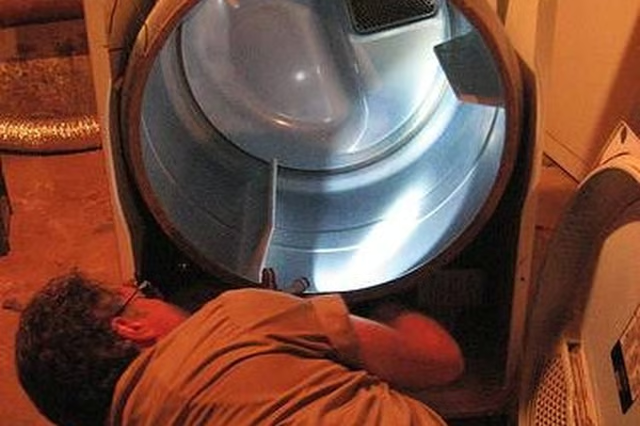
Once you've opened the front panel of the dryer, you'll find the large metal drum in which the clothes spin. It will be encircled by a thin rubber belt. Locate the motor that drives the belt, which will be at one of the dryer's bottom inside corners.
-
With your chalk, put a mark on the side of the belt where it feeds into the motor.
-
Aim the nozzle of your can of belt dressing at the belt's underside, where it pulls away from the drum to feed into the motor. Manually turn the drum while spraying belt dressing on the underside of the belt. Continue turning and spraying until your chalk mark comes back around in front of you, which will tell you that you've sprayed the entire belt.
-
Re-assemble the dryer in the reverse order of how you disassembled it. Plug it in, and test for noise.
Articles
View All Hover to load posts
Articles
View All Hover to load posts
Articles
View All Hover to load posts
Articles
View All Hover to load posts
Articles
View All Hover to load posts
Articles
View All Hover to load posts
Articles
View All Hover to load posts
Articles
View All Hover to load posts
Articles
View All Hover to load posts
