

-
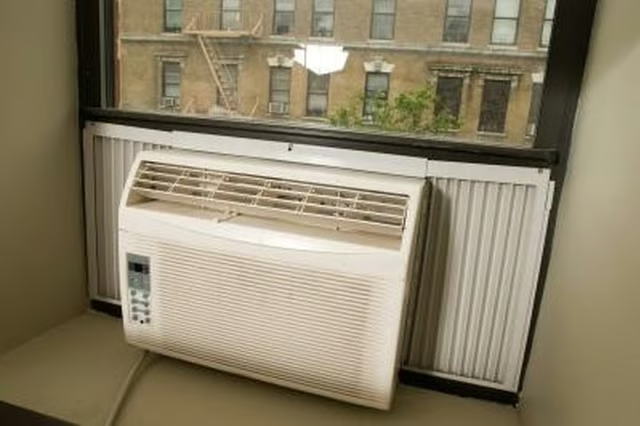
Turn the power control on a window AC unit to the "Off" position or switch the wall thermostat off for a central air conditioning system.
-
Open the circuit breaker or fuse box to check the circuit that controls your air conditioner. If the breaker is in the "Off" position, push the switch to close the circuit. If you have a blown fuse, remove it and replace with a fuse of identical amperage.
-
Remove and clean the filter for your air conditioner so it will operate more efficiently and cause less of a strain on the motor. A clogged air filter prevents the appliance from pumping out fresh air and forces the components to work harder to draw air through the filter. Rinse the filter for a window unit under running water in a sink, blot with a towel and replace. For central air conditioners, remove the filter from the blower unit inside the building and replace with a new filter.
-
Turn on the AC window unit or switch the wall thermostat control to the on position. If the unit comes back on, let it run for a few minutes. If the popping sound recurs and the AC shuts down again, you likely have a short in the wiring that is causing a power surge to trip the breaker or blow fuses. Contact a repair technician to service the unit.
Articles
View All Hover to load posts
Articles
View All Hover to load posts
Articles
View All Hover to load posts
Articles
View All Hover to load posts
Articles
View All Hover to load posts
Articles
View All Hover to load posts
Articles
View All Hover to load posts
Articles
View All Hover to load posts
Articles
View All Hover to load posts
