

-
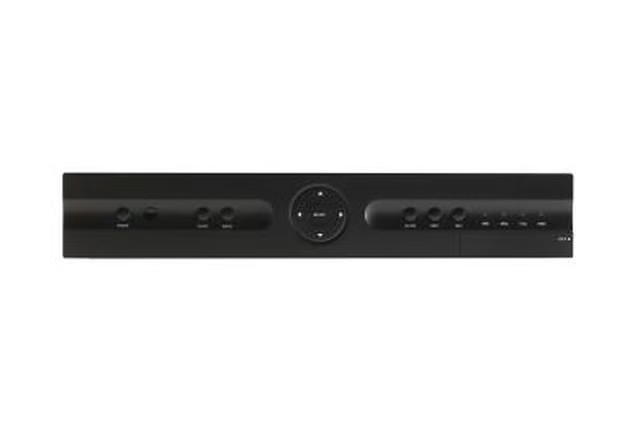
Find a clean, accessible area behind the television and on the entertainment console to mount the FiOS box. Use a measuring tape to assess the dimensions of the FiOS box, and locate a flat surface on the wood entertainment center that is slightly larger than these dimensions.
-
Purchase metal brackets that are equal to or slightly larger than the width of the FiOS box. Keep in mind the box should be mounted with the brackets parallel to the front face of the box to avoid remote control or wiring obstructions.
-
Remove any hardware from the entertainment console.
-
Create an outline for the mount. Using one hand, hold the box where it will be mounted and draw a straight line on the wood with a pencil. From this base line, apply the brackets and draw four dots onto the inside of the entertainment console where the bracket holes touch the wood.
-
Drill four holes into the entertainment console behind the television. Avoid drilling into other compartments or crossbeams.
-
Screw the lower end of both brackets into the newly created holes. Insert the box between the brackets, and screw in the remaining two screws at the top of the brackets. Tighten the brackets to hold the box into place, but not so tight that they damage the box.
-
Attach any necessary wires to the FiOS box, and replace the television.
Articles
View All Hover to load posts
Articles
View All Hover to load posts
Articles
View All Hover to load posts
Articles
View All Hover to load posts
Articles
View All Hover to load posts
Articles
View All Hover to load posts
Articles
View All Hover to load posts
Articles
View All Hover to load posts
Articles
View All Hover to load posts
