

-
Purchase a length of chain from a hardware, home or big box store. Purchase chain that cannot not easily break or be cut and will accept the hasp of a combination or keyed pad lock.
-
Close the chain link gate and secure any latches mounted to the gate. The mounted latches or locks should be closed and secured help provide maximum security.
-
Place one end of the chain through a gap in the chain link gate. Pull the chain behind the gate frame and across to the post of the fence. Continue pulling the chain behind the post and feed the end through a gap in the main chain link fencing.
-
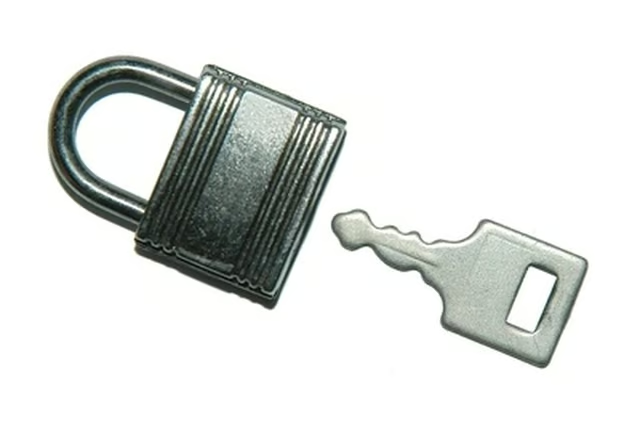
Open the hasp of the padlock by dialing in the combination or turning the key. Hold the ends of the chain in your hands and pull tight. Over lap the chain pulling it tight against the gate and fence post.
-
Place the hasp of the lock through a link of both chains so that the overall chain will be tight against the fence and post. Snap the hasp into the body of the lock and pull down ward to make sure it is securely closed.
Articles
View All Hover to load posts
Articles
View All Hover to load posts
Articles
View All Hover to load posts
Articles
View All Hover to load posts
Articles
View All Hover to load posts
Articles
View All Hover to load posts
Articles
View All Hover to load posts
Articles
View All Hover to load posts
Articles
View All Hover to load posts
