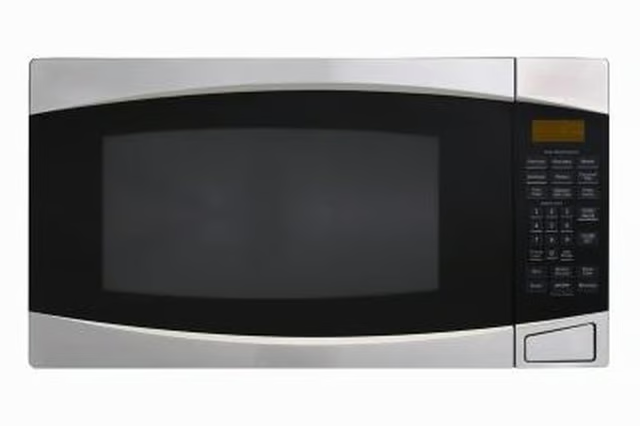
How to Troubleshoot an Oster Convection/Microwave Oven

How to Install a 30-Inch Over-the-Range Microwave Under 36-Inch Cabinets
Written By
Amy Kingston
Amy Kingston
Published: Sep 10, 2010
Updated: Nov 20, 2021
1 minute read

Step 1

Ensure that the convection microwave is securely plugged into an electrical outlet. If the plug is not fully inserted in the outlet, unplug it and wait 10 seconds, then re-insert the plug into the outlet.

Step 2

Plug another small appliance into the outlet and turn it on to ensure the outlet is working. Inspect the fuse or breaker box. Reset a tripped breaker or replace a blown fuse, if needed.

Step 3

Ensure the convection microwave is programmed correctly. Check the control panel and set the timer. Test the oven to see if it is working properly.

Step 4

Inspect the door, and fully engage the door safety lock. If the door is not fully closed, the oven will not function properly. If the oven still does not work correctly, have it inspected by a qualified service technician.

Photo Credits

Ryan McVay/Photodisc/Getty Images

Amy Kingston

Amy Kingston has been a professional writer since 2001. She has written articles for various publications, including "Health" magazine, "Jackson Parenting" magazine, the "Bolivar Bulletin" newspaper and "A Musician's Pursuit." Kingston was…

Sponsored
HomeSteady Logo

HomeSteady is the ultimate guide for all your household needs, from cleaning and HVAC to electrical, DIY and maintenance.

Property of TechnologyAdvice. © 2026 TechnologyAdvice. All Rights Reserved

Advertiser Disclosure: Some of the products that appear on this site are from companies from which TechnologyAdvice receives compensation. This compensation may impact how and where products appear on this site including, for example, the order in which they appear. TechnologyAdvice does not include all companies or all types of products available in the marketplace.