

-
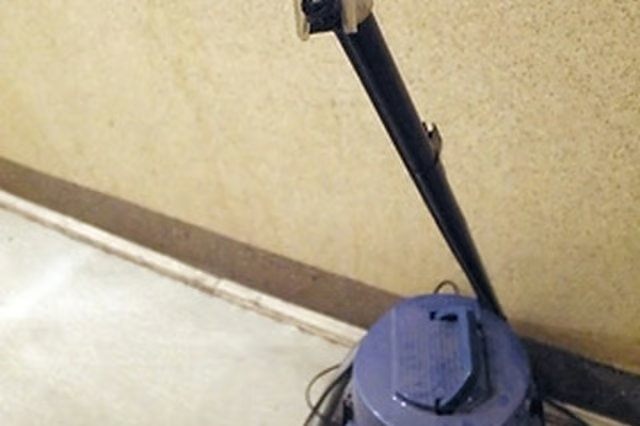
Turn off the shop vacuum and unplug it from the wall. Wheel the shop vac to an empty space to disassemble it. There will be two handles on the sides of the vacuum with pressure switches underneath the handle. Press both switches down at the same time and pull the top of the vacuum up.
-
Flip the top of the vacuum over to expose the underside of the vacuum motor. There will be four screws that anchor the motor to the top part of the vacuum. Remove these screws to detach the motor assembly. Remove the rubber gasket that lines the motor assembly and then unscrew the four screws that keep the bottom face of the motor assembly on. Keep these screws separate from the other screws as the size is different and using the wrong screw can break the plastic panels.
-
Remove the bottom facing of the motor assembly by hand to expose the impeller along with the motor axle. Grip the impeller and pull firmly. The impeller is just attached by friction so can be removed by hand. The motor itself should stay attached to the motor assembly.
Articles
View All Hover to load posts
Articles
View All Hover to load posts
Articles
View All Hover to load posts
Articles
View All Hover to load posts
Articles
View All Hover to load posts
Articles
View All Hover to load posts
Articles
View All Hover to load posts
Articles
View All Hover to load posts
Articles
View All Hover to load posts
