

-
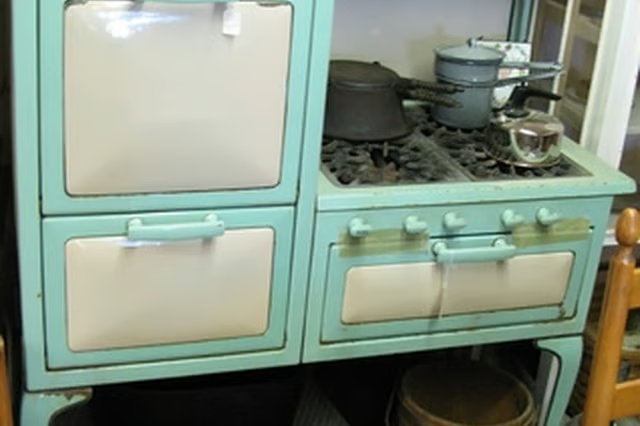
Lift the cooktop cover, burner grates and griddle cover (if any) off the stove. The grates and covers are not clipped into place or otherwise attached; grab both sides and lift up to remove.
-
Find the pilot light for the burners. Some models will have only one pilot light located in the center of the cooktop. Other models will have two pilot lights, one for each set of burners. One set of burners consists of the front and back burner on one side. The pilot light is in the small cup located between the break in the gas feed tubes to the burners.
-
Push in and hold the red safety switch located on the left of the stove above the accessory drawer or, on some models, on the interior of the cooktop. Light the pilot light on the cooktop by holding a lit match in the cup. When the pilot is lit, release the safety switch. Adjust the flame if necessary by turning the adjustment knob on the pilot gas line. The top of the flame should be centered between the two feed tubes, with the flame going no higher than the top of the tubes. Replace the cooktop cover, grates and griddle cover.
-
Turn the temperature control knob for the burner to be lit all the way to its highest setting. When the burner lights, turn the knob down to the temperature desired.
Articles
View All Hover to load posts
Articles
View All Hover to load posts
Articles
View All Hover to load posts
Articles
View All Hover to load posts
Articles
View All Hover to load posts
Articles
View All Hover to load posts
Articles
View All Hover to load posts
Articles
View All Hover to load posts
Articles
View All Hover to load posts
