

-
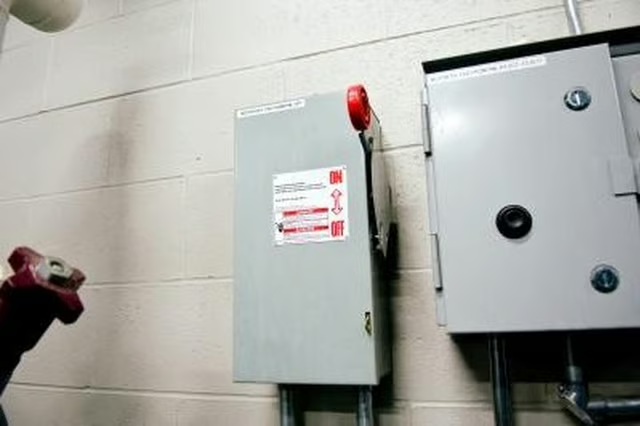
Turn off the power to your electric motor, before attempting to test the brushes. Locate the two brush holders, one on each side of the armature either on the front or rear of the motor. Two copper wires extend from the brushes and connect to the terminals on the motor, so they're easy to identify.
-
Use a pair of long-nosed pliers and remove the retaining clip that holds the one of the brushes in place. Attach your piers to the copper wire that connects to the brush and gently pull. A spring comes out of the brush holder, followed by the brush.
-
Check the length of the carbon brush against the size of the brush holder. The brush should be 50 percent or more of the length of the brush holder. If it's less than 50 percent it needs replacing.
-
Repeat the process on the other brush. If either of the brushes needs replacing, then always replace them as a pair. If they don't need replacing then push the brushes into the brush holders. Insert the springs and then replace the retaining clips using your pliers. If they need replacing, take the old brushes along to an electrical store, so you get exact replacements then follow the procedure for replacing then as above.
Articles
View All Hover to load posts
Articles
View All Hover to load posts
Articles
View All Hover to load posts
Articles
View All Hover to load posts
Articles
View All Hover to load posts
Articles
View All Hover to load posts
Articles
View All Hover to load posts
Articles
View All Hover to load posts
Articles
View All Hover to load posts
