
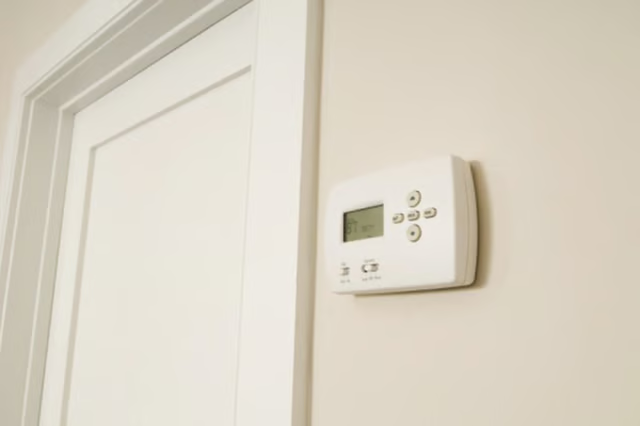


In either case you can operate the thermostat to adjust the thermostat to the desired temperature to keep the building cool in hot weather. Once the set temperature is achieved the thermostat signals to the system to shut off until the room temperature once again exceeds the set temperature.
-
Press or slide the "On" setting switch to "AC On" or "Cool."
-
Adjust the slider lever, turn the temperature knob, or press the up and down arrow buttons on the thermostat until the desired temperature is indicated on the display or where the knob/lever point lines up with the printed temperature desired.
-
Press "Schedule" on digital thermostats to set different temperatures for different times of the day or days of the week. For example some thermostats allow you to set the temperature higher during the day (so the AC does not run as often) and then set it lower when you are home based on the time to keep it cooler while home. Use the up down arrow buttons to navigate and use "Set" button to select each step such as date, time and temperature.
The Drip Cap
- Central air thermostats are often combined thermostats that may also control the central heat as well.
- They come in digital styles and mechanical styles.
- In either case you can operate the thermostat to adjust the thermostat to the desired temperature to keep the building cool in hot weather.