
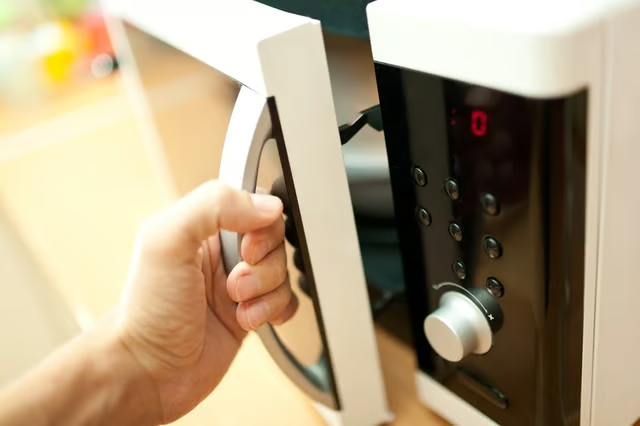
If your GE microwave is tripping the breaker when you open its door, this could be due to a number of factors. The problem may be the door interlock switch or the door itself or, your microwave itself may be faulty. Most likely, though, you simply have too many electrical appliances plugged into the same circuit.
Problem No. 1: An Overloaded Circuit
If the microwave shares a circuit with other appliances in the home, the circuit may be overloaded. Check to see if your microwave is on a dedicated circuit by looking at the tripped breaker's label. Note that models JE1840 and JE1860 require a dedicated 20 amp circuit; all other models require a 15 amp circuit. Ideally, your microwave should not share a circuit with other appliances, except for lights. A professional technician can install a dedicated circuit in your home that is specifically for your microwave, to help prevent this from happening.
Problem No. 2: A Faulty Appliance
Your GE microwave may be malfunctioning, which could cause the breaker to trip. In this case, the microwave could be pulling a dangerous amount of current. A technician can determine if a microwave is faulty and help you replace your appliance.
Problem No. 3: A Malfunctioning Door Switch
On the other hand, if your breaker trips when you open your microwave's door, there could be a problem with one of the door switches. These are often called the primary and secondary interlock switches. The interlock switches are activated by latches or hooks on the door; these are located inside the cabinet. Note that you should inspect a door switch's latch first, to ensure it isn't damaged.
To check that the switches are working, unplug the entire appliance and let it sit for at least 15 minutes to discharge the capacitor. Next, remove the cabinet and check the switches for continuity using a multimeter. You should see terminals marked common (C) and normally open (NO). The door switches have wires attached to these terminals. To check for continuity, press the switch's actuator button. The switch is faulty if you do not see continuity between the terminals.